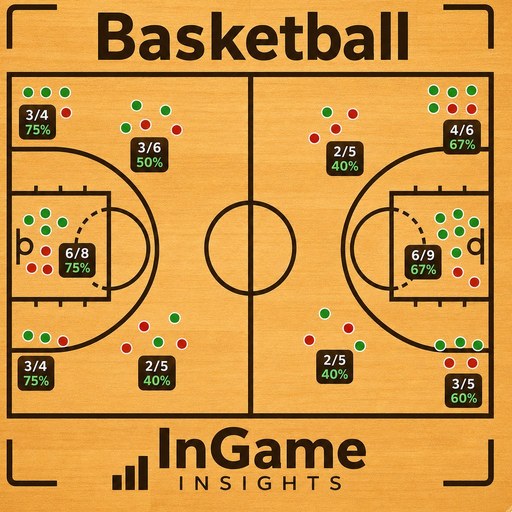
How to use Basketball
Basketball stat tracking battle-tested across two seasons and nine teams. Track the game quarter by quarter and watch the box score build itself in real time.
Set up your team
Enter your roster with jersey numbers so every stat lands on the right player. You can keep multiple teams if you coach more than one.

assets/guide-hoops-1.pngTip off a game
Start a new game and track it quarter by quarter, with substitutions and the game clock built into the flow.
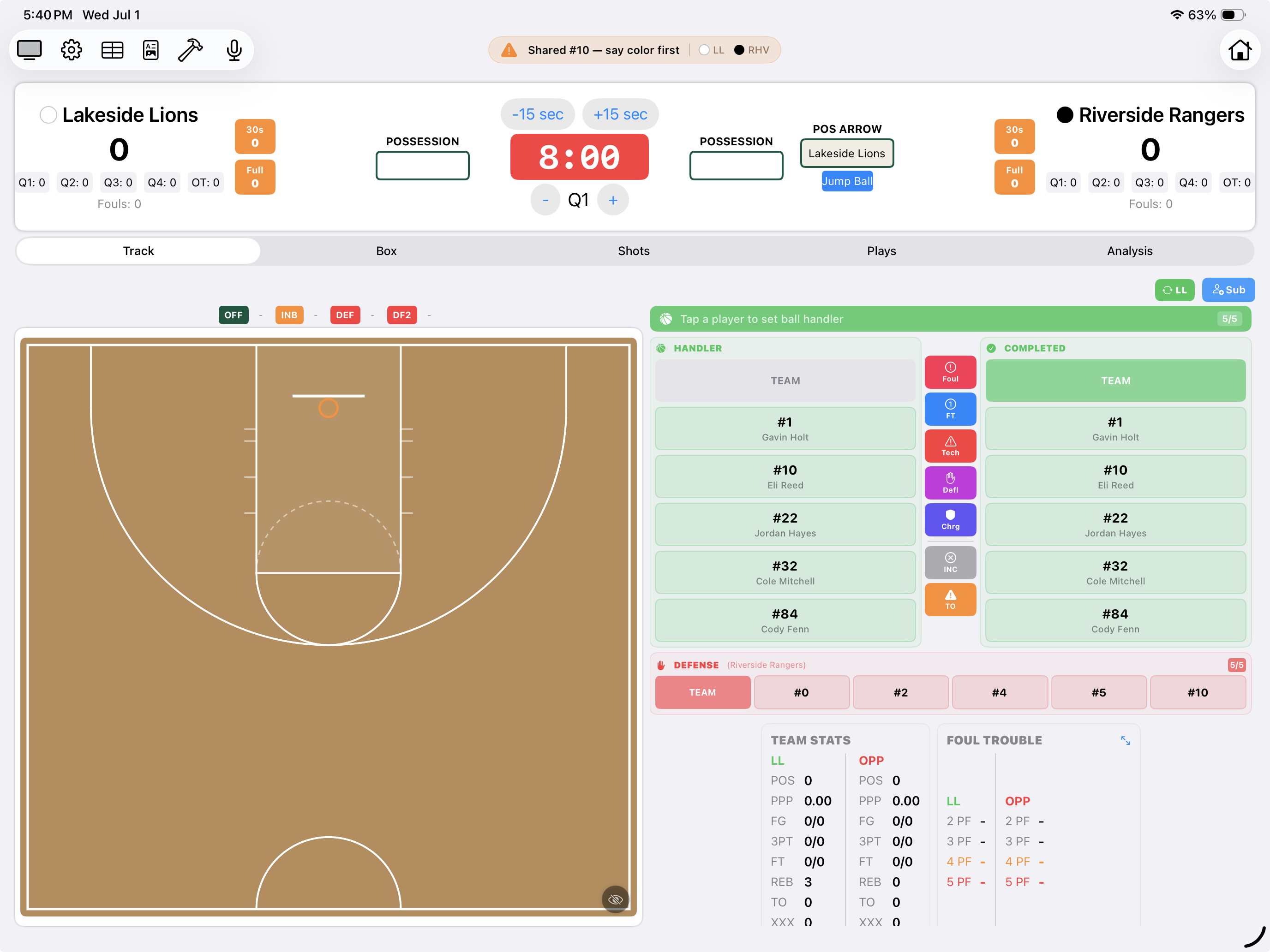
assets/guide-hoops-2.pngLog shots and stats
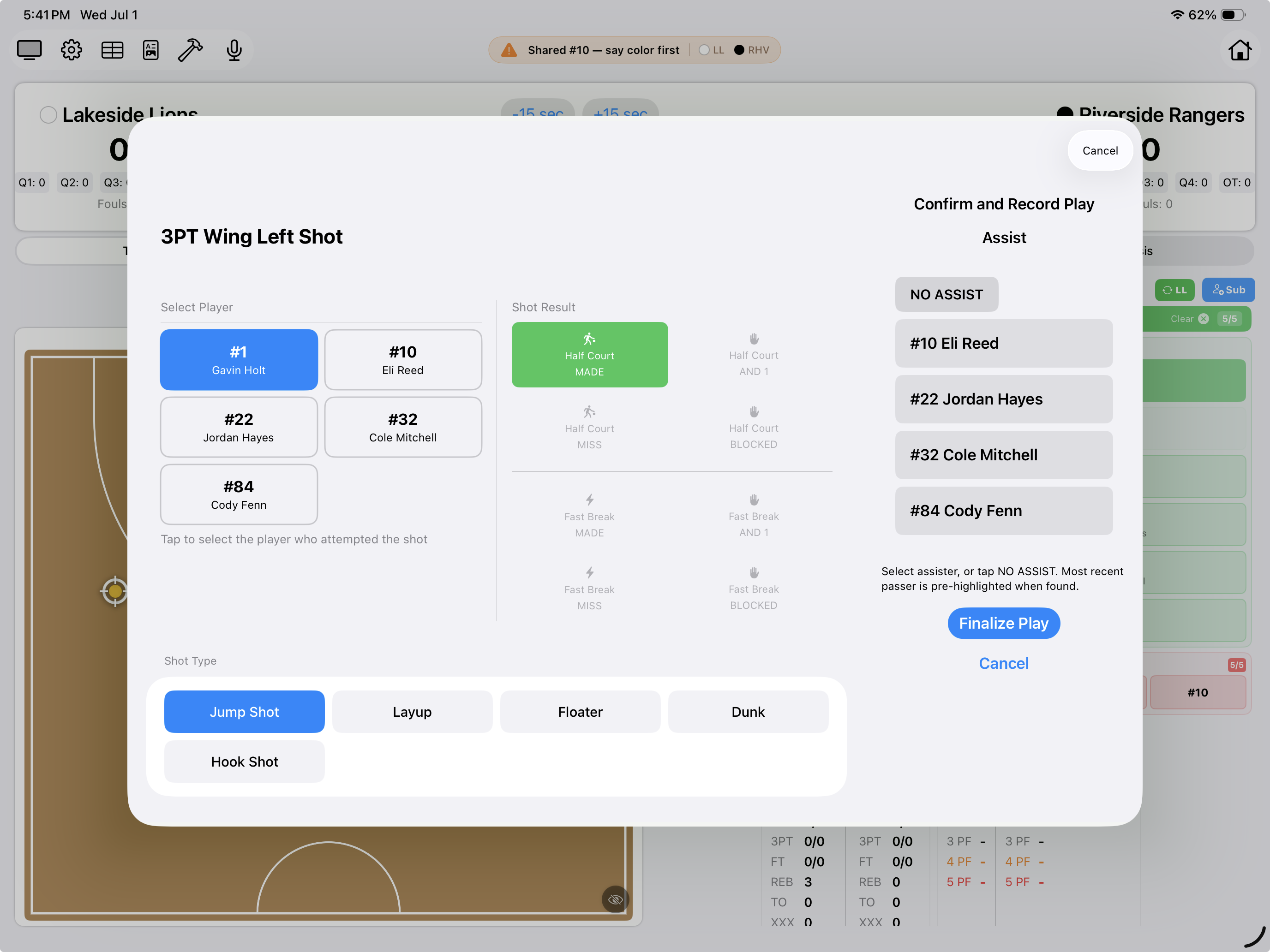
Record makes and misses on the shot chart, plus rebounds, assists, steals, and turnovers, as they happen. The box score builds itself in real time.
assets/guide-hoops-3.pngReview box scores and analytics
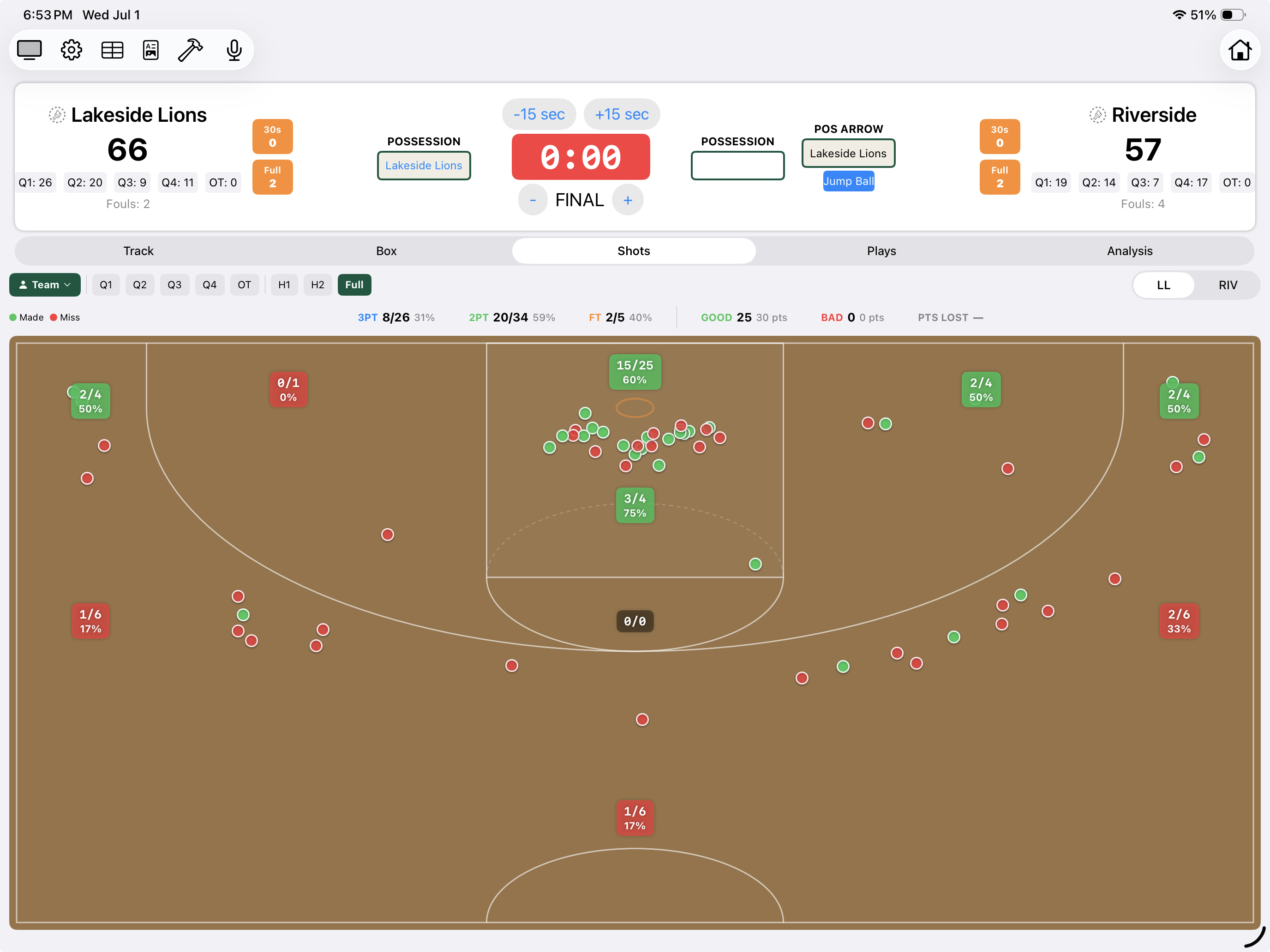
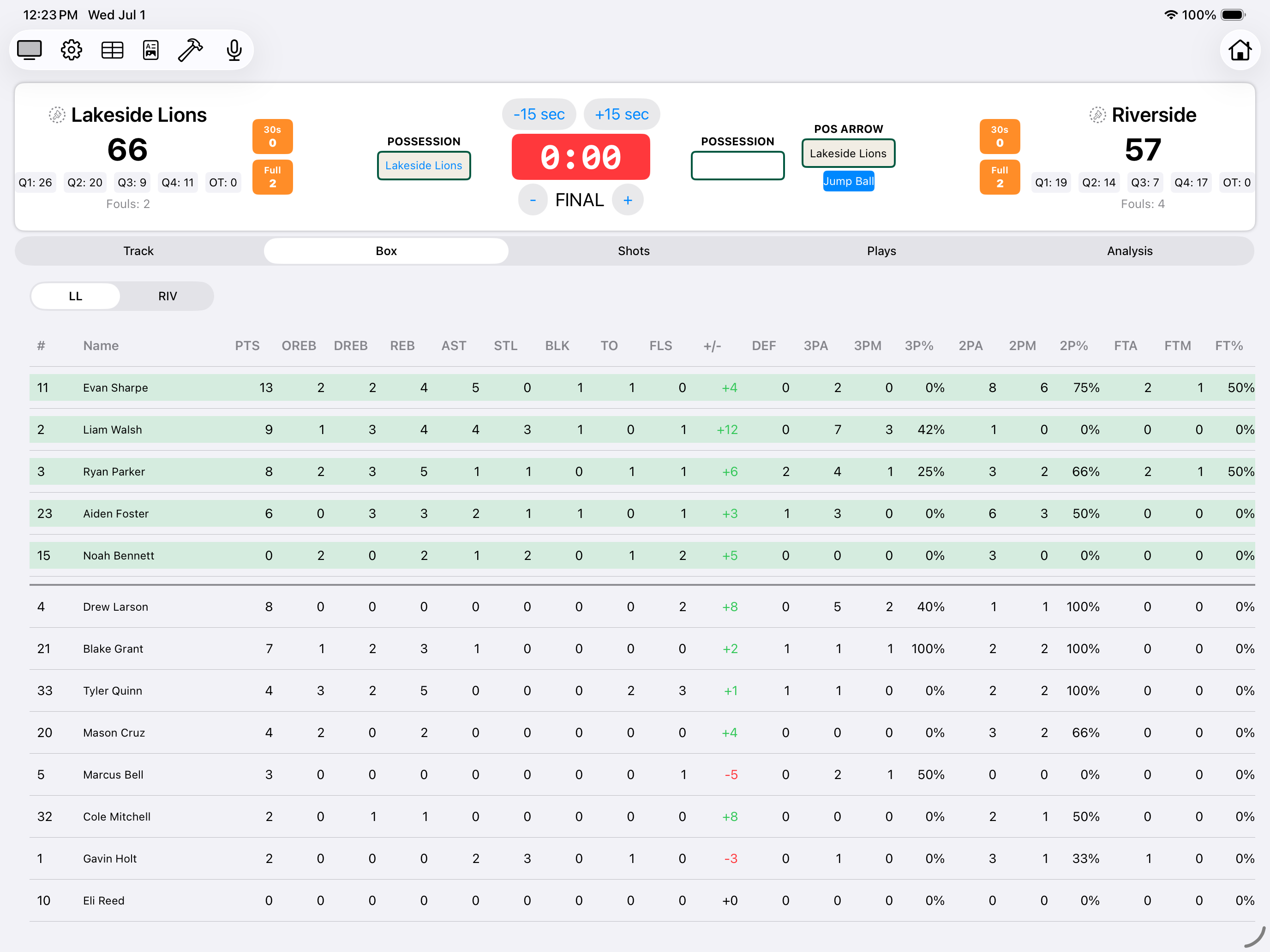
Check team and individual analytics live during the game, then dig into the full box score at any point without stopping tracking.
assets/guide-hoops-4.pngExport the box score
Share an HTML or CSV report after the game so players, parents, and assistant coaches can see exactly how it went.
assets/guide-hoops-5.png How to use Soccer
 How to use Lacrosse
 How to use Football