
How to use Soccer
Possession-first stat tracking built for the touchline. Set up your roster, track every shot and possession live, and turn the game into a report your team can learn from.
Build your roster
Before your first match, add each player with a name and number. Set up voice aliases here too, so the app recognizes shortened names when you call plays out loud during the game.

assets/guide-soccer-1.pngStart a match
Create a new game, enter the opponent and date, and choose your starting lineup. The match clock and possession tracking begin the moment you kick off.

assets/guide-soccer-2.pngTrack possessions and shots
Tap the field to log where the action happens. Record each shot with its field location and target zone to build a live shot chart as the game unfolds.

assets/guide-soccer-3.pngAdd a second screen
Connect an iPhone or a second iPad over the same Wi-Fi network to mirror live stats, the field heatmap, and the scoreboard — perfect for an assistant coach or the bench.

assets/guide-soccer-4.pngShare the report
After the final whistle, export an HTML or CSV game report and send it through the standard iOS share sheet — email, AirDrop, or Messages. Your data never leaves the device until you choose to share it.

assets/guide-soccer-5.png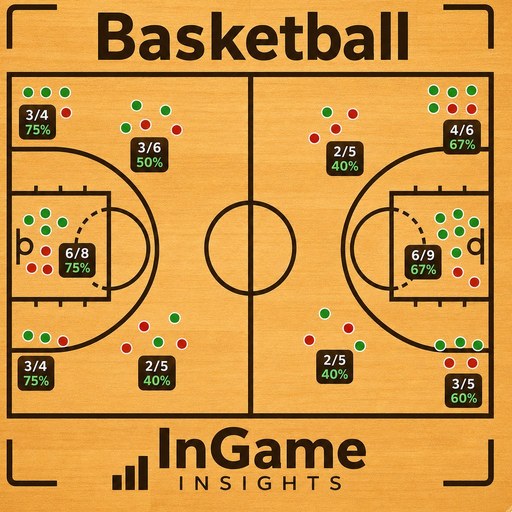 How to use Basketball
 How to use Lacrosse
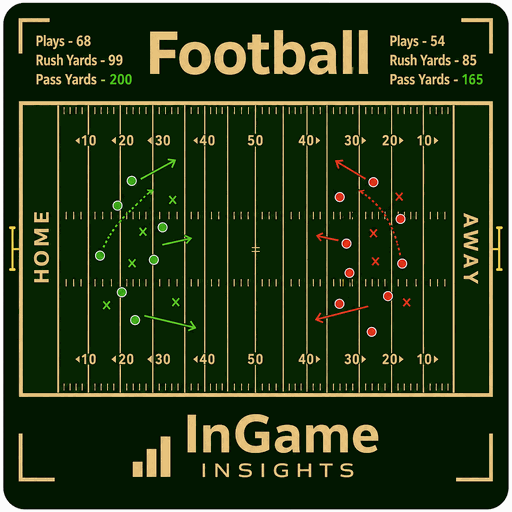 How to use Football