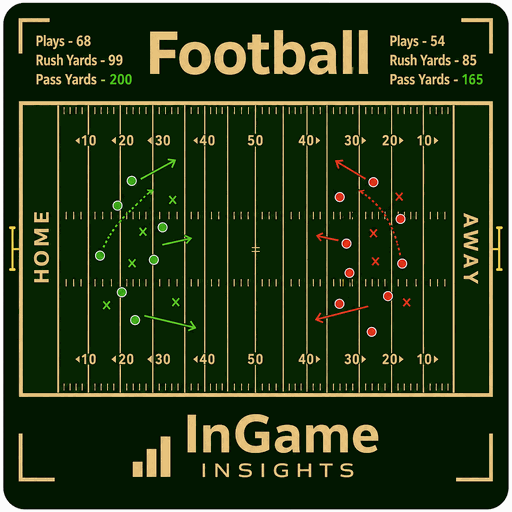
How to use Football
Flag football tracked the way it's coached — drive by drive, play by play, with down and distance, rush and pass yardage, flag pulls, and field position all logged live from the sideline.
Build your roster
Add your players with jersey numbers and positions for both offense and defense. Every play you log attributes to the right player, so rush yards, catches, and flag pulls all land where they should.

assets/guide-football-1.pngLog the play, down by down
Tap the play type, the ball carrier or receiver, and the result. The app tracks down and distance automatically, moves the ball, and knows when you've picked up a first down or turned it over.

assets/guide-football-2.pngWatch the drive take shape
Field position updates in real time as the drive moves. Rush and pass splits, completion percentage, yards per play, and flag pulls all build in the background while you keep your eyes on the field.

assets/guide-football-3.pngShare the report
Export an HTML or CSV report after the game with the full play-by-play, per-player rushing, receiving, and passing lines, defensive flag pulls, and drive-by-drive results in one place.

assets/guide-football-4.png How to use Soccer
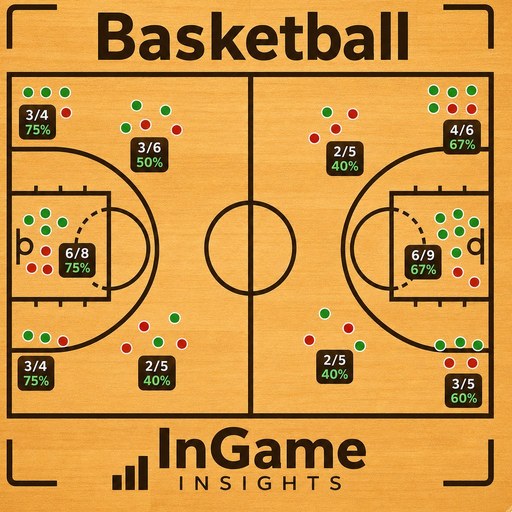 How to use Basketball
 How to use Lacrosse